
The problem: needless battery drain and parked-car failures
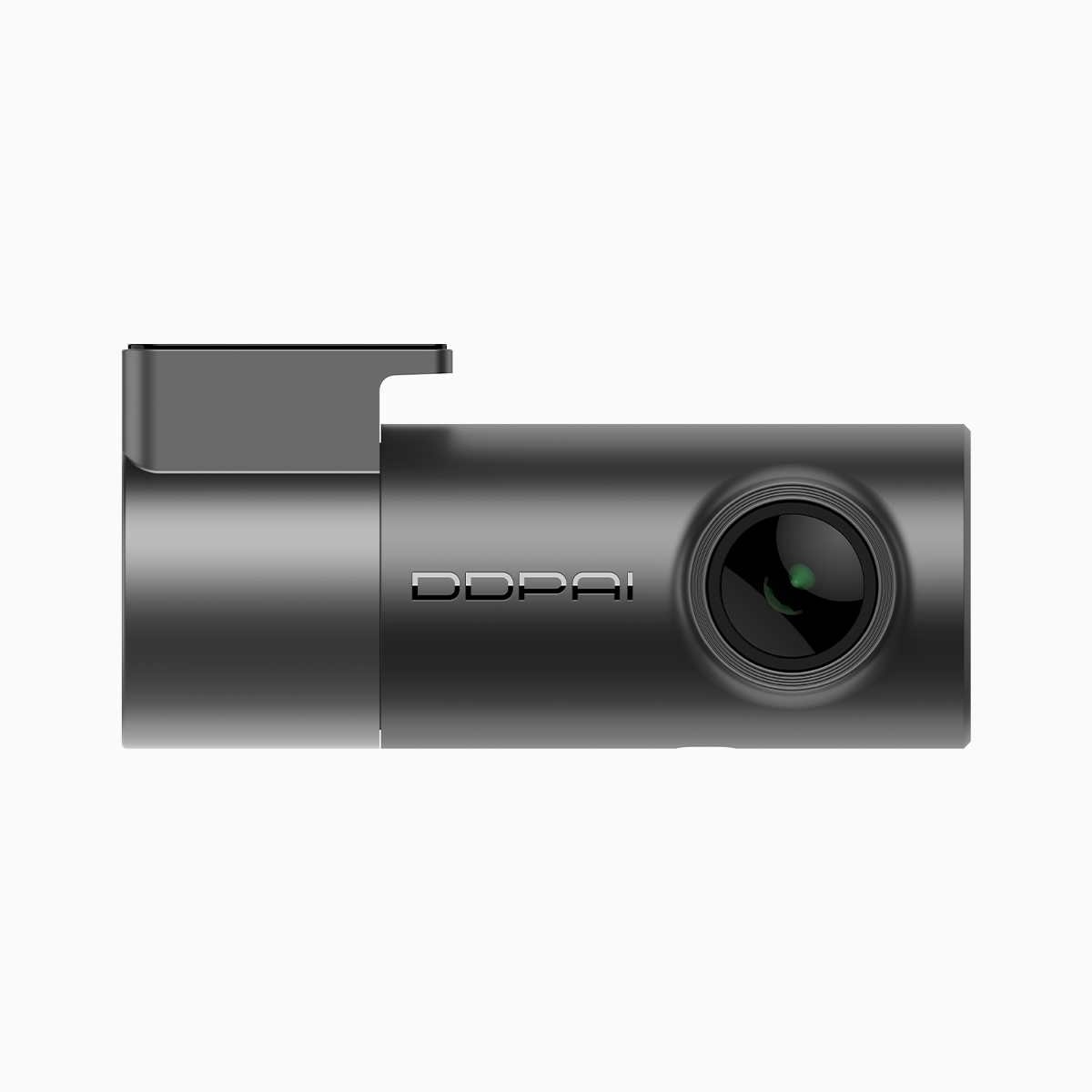
Cars today run more electronics than before, and a poorly chosen dash cam can pull a battery flat within days. For everyday drivers in congested cities like Metro Manila, that means being stranded after a long day — or missing footage when you really need it. A sensible fix begins with picking a budget friendly unit that understands power. Consider models such as the budget friendly dash cam which combine compact hardware with power-conscious firmware, and you already head in the right direction.
Where the extra drain comes from
Several technical culprits are responsible: continuous high-bitrate recording, default 24/7 parking mode, and lack of intelligent power management. Loop recording at high frame rates and heavy bitrate will fill storage and demand constant write cycles — that means the camera keeps the processor awake. G-sensor triggers without appropriate timeout settings cause needless wake-ups during harmless vibrations. Finally, an absence of a proper hardwiring kit or low-voltage cutoff means the car battery keeps supplying the dash cam even when ignition is off.
Practical fixes that slash consumption
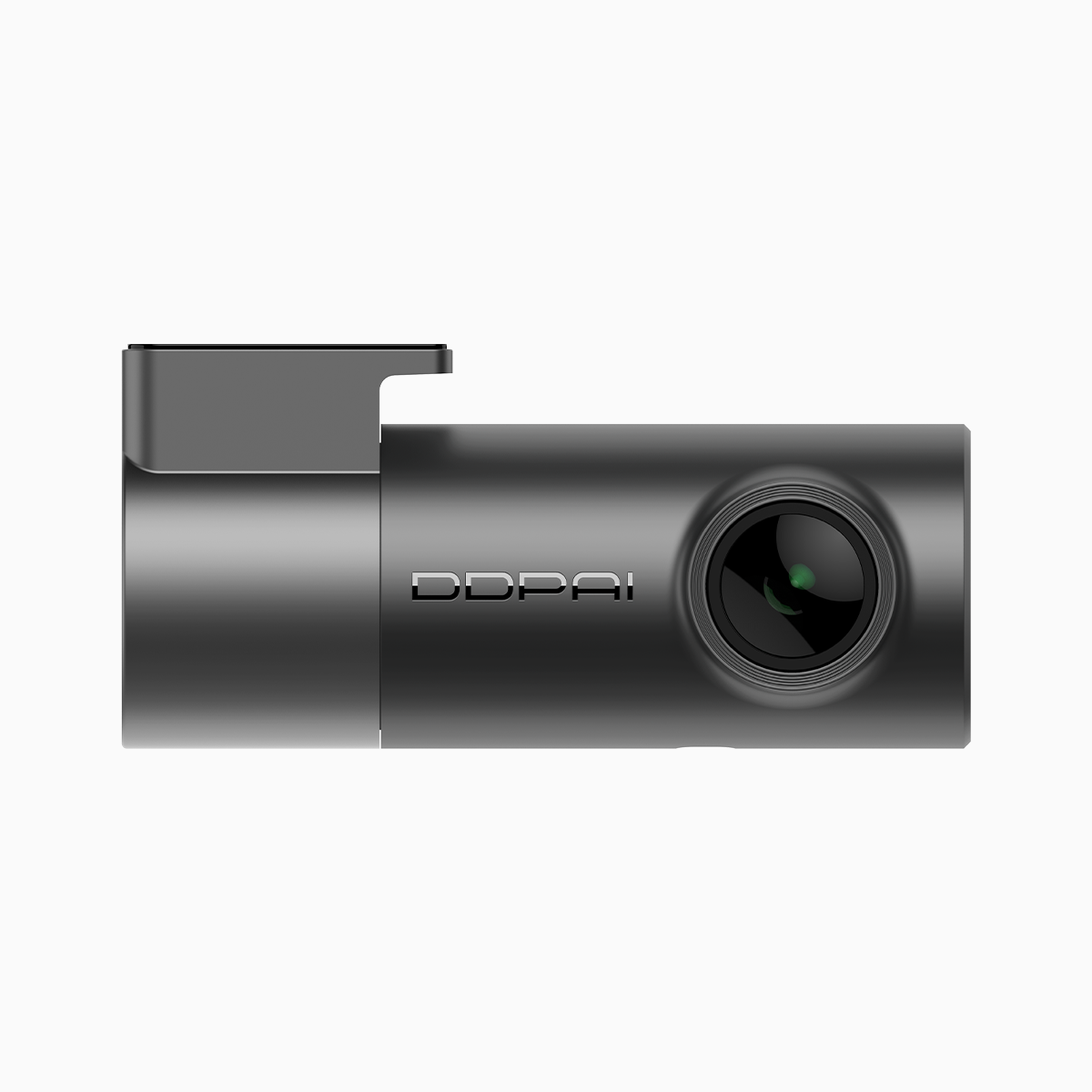
Design choices and basic installation steps reduce drain dramatically. First, pick a camera with smart parking mode and configurable power management so it sleeps until an impact is detected. Second, use a quality hardwiring kit with a low-voltage cutoff to protect the car battery. Third, tune recording settings — drop bitrate or fps for parked-mode events but keep higher settings for driving. Many affordable dash cam options include these features out of the box; the affordable dash cam lines often balance sensor quality with efficient firmware. Real drivers in Metro Manila have seen long-term benefits after switching to units that let parking mode rest most of the time — they avoid dead batteries and still capture important incidents.
Common mistakes owners keep making
People tend to leave factory defaults untouched. They enable all sensors at maximum sensitivity, keep Wi‑Fi always on, and mount the camera on a cigarette-lighter adapter that doesn’t cut power with ignition. Another frequent error is over-relying on continuous high-resolution recording for parking surveillance — it’s unnecessary for most urban situations and chews power. A practical alternative: configure a hybrid approach where full-resolution recording runs while driving, and a lower-power, motion-triggered mode covers parking.
Feature trade-offs to accept
Every decision has a cost. Reducing bitrate saves power and write cycles but lowers image detail—so if you need license-plate clarity at night, accept a higher power draw or invest in a larger battery pack. Enabling cloud uploads gives off-site backups but increases power use and data needs. Choose which features actually add value for your daily use, then optimize the rest. Small moves — disabling always-on Wi‑Fi, lowering screen brightness, and setting reasonable parking sensitivity — add up to measurable battery savings.
Three golden rules for choosing energy-efficient dash cams
1) Power management first: confirm true parking-mode behaviour, low-voltage cutoff support, and an option for scheduled sleep. These features prevent battery discharge without sacrificing evidence capture.
2) Look for configurable recording profiles: separate driving and parking presets let you balance bitrate, frame rate, and exposure settings to fit real needs.
3) Validate installation options: hardwiring kit compatibility, professional install guidance, and clear battery-protection thresholds matter as much as sensor specs. A proper installation makes the most efficient camera actually perform efficiently — don’t skimp here.
Smart choices reduce roadside hassle and save money over time; the right balance of hardware and settings delivers reliable evidence with minimal drain. — small habits, like routine firmware updates and a quick sensitivity check after a service, keep that balance in place.
For those who want practical, energy-aware solutions that still record clearly, consider how modern designs integrate those golden rules — and how brands with Philippines-focused support close the loop on local needs. DDPAI PH. — concise experience, better results.